Prepare students for the new era of design.
Empower the next generation to design with AI on their own terms. Try it free now for educators.
Build creative confidence in the design classroom.
Simple building blocks get ideas moving, while students choose, iterate and develop what comes next. No prior design software experience needed.
{{ fc1.title }}
{{ fc1.body }}
{{ fc2.title }}
{{ fc2.body }}
{{ fc3.title }}
{{ fc3.body }}
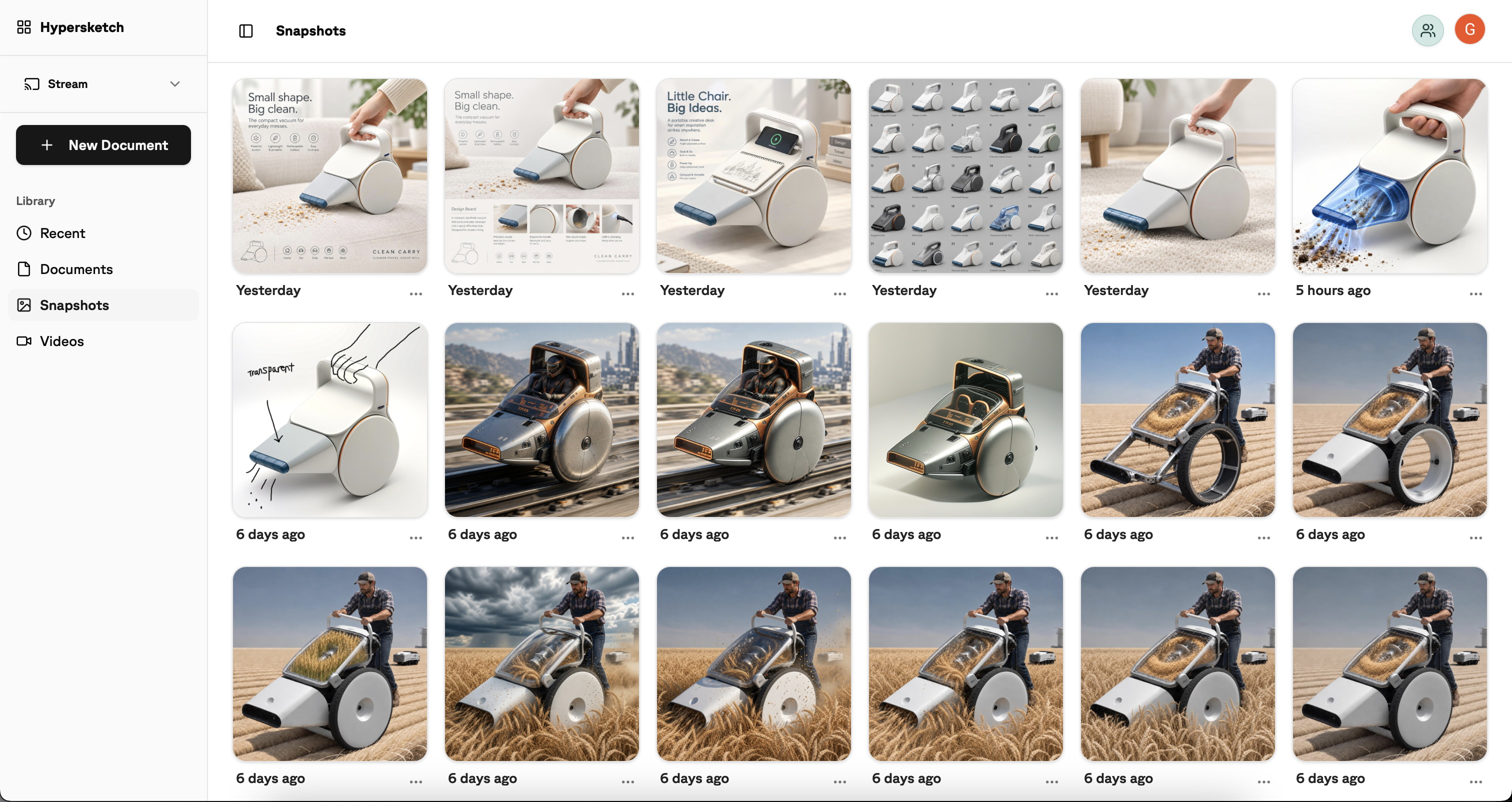
{{ fc4.title }}
{{ fc4.body }}
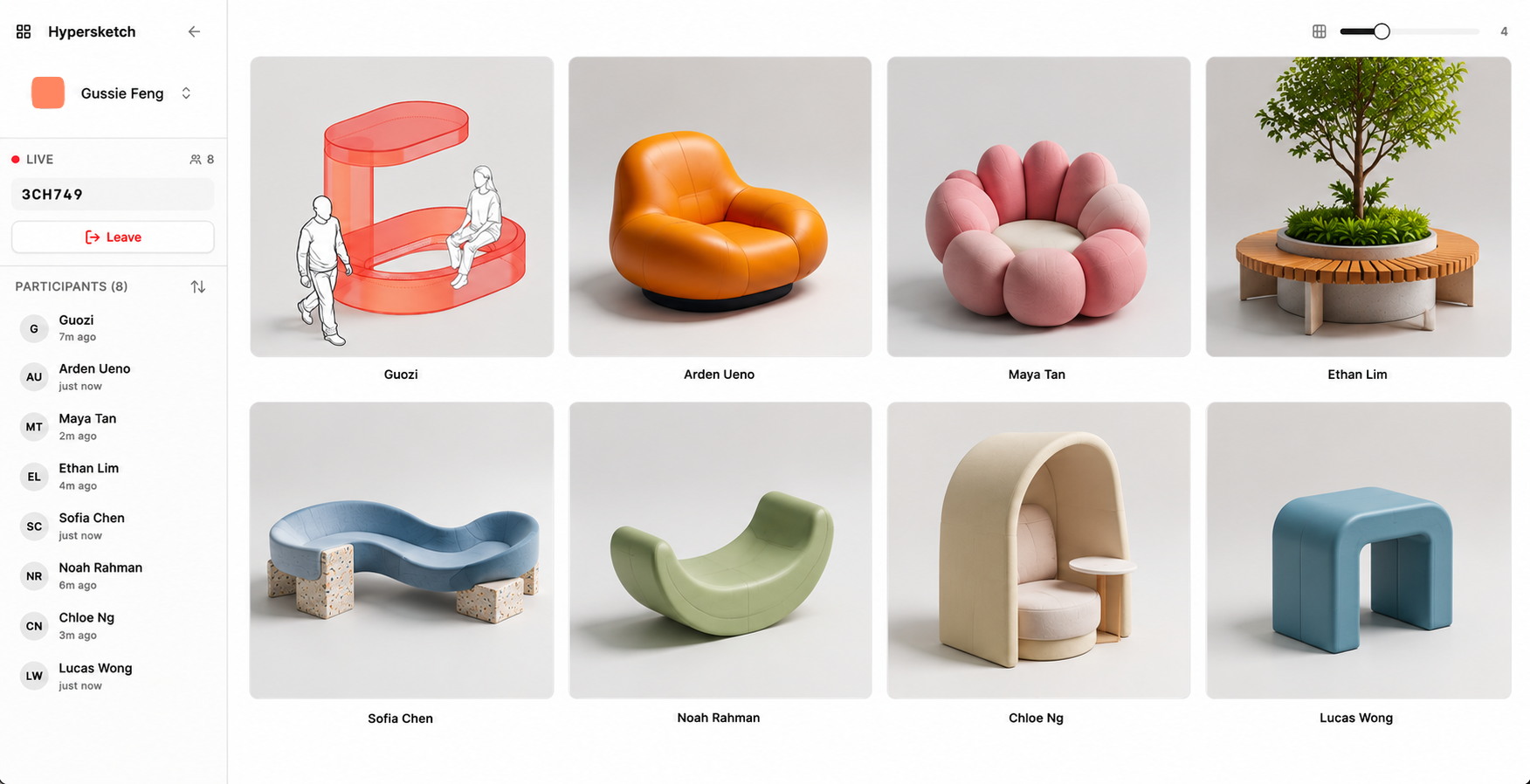
{{ fc5.title }}
{{ fc5.body }}
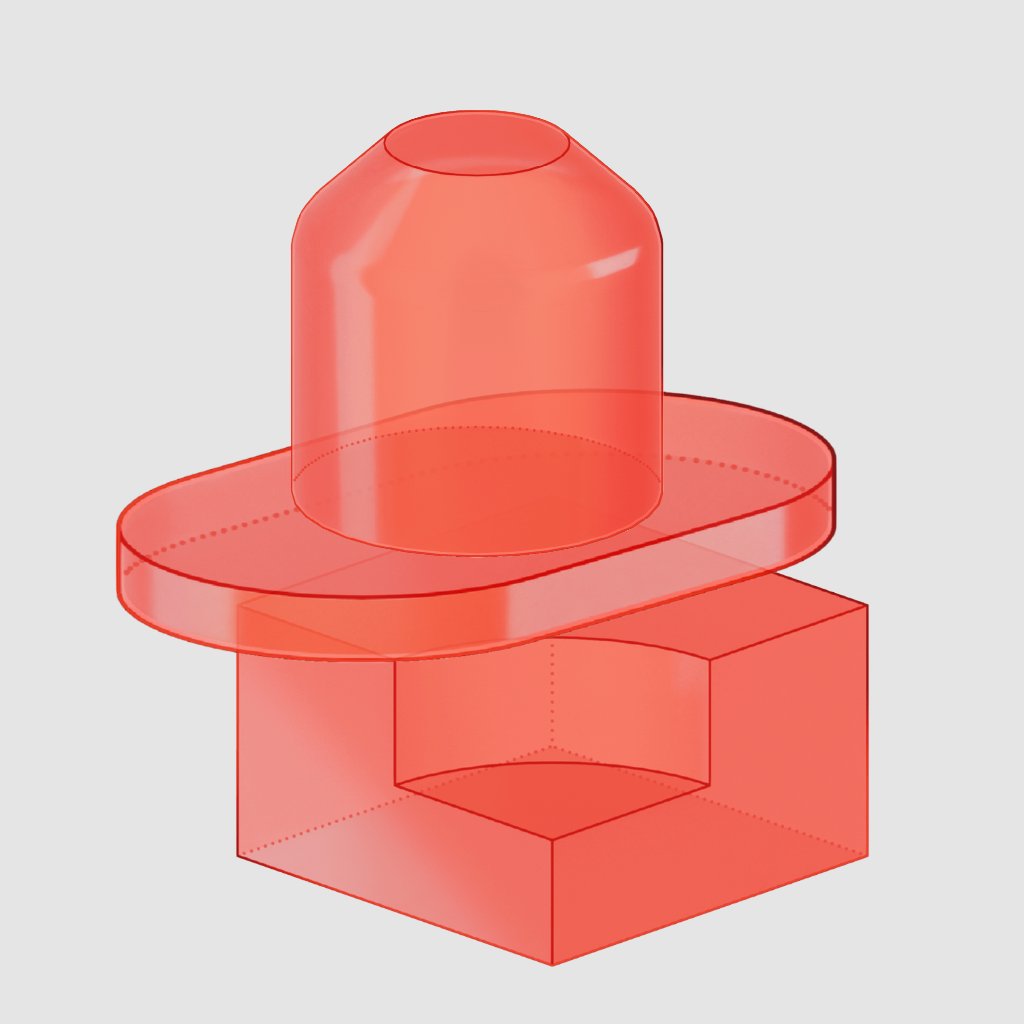
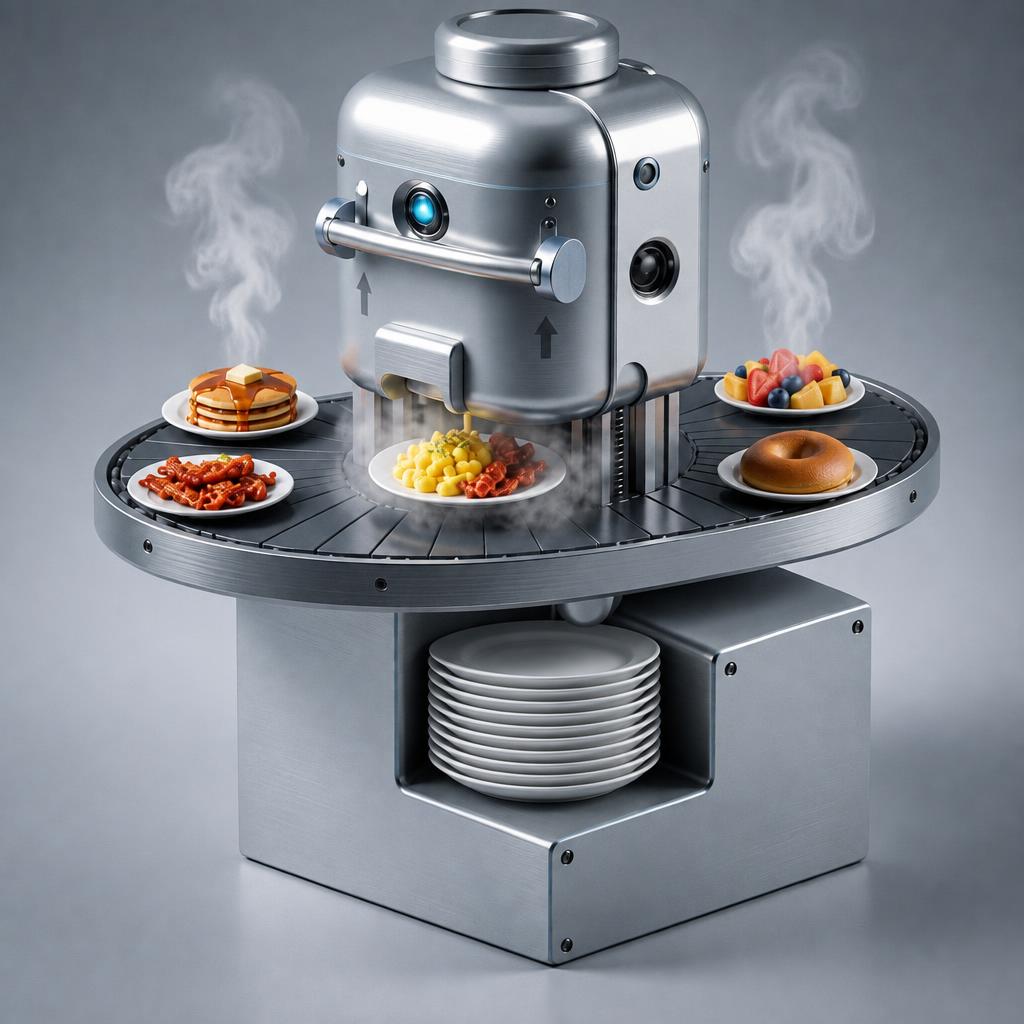


See what students make of it
Students without a design background have used Hypersketch for:
Students felt more creative and produced a broader range of ideas compared to the previous course approach.*
*Reported by Singapore Polytechnic Academic Quality & Resources FabLab across 55 students in 3 cohorts, mostly non-design.
Students felt more creative and produced a broader range of ideas compared to the previous course approach.*
*Reported by Singapore Polytechnic Academic Quality & Resources FabLab across 55 students in 3 cohorts, mostly non-design.
Unlock more than just tools for the classroom.
Resources, workshops and support to help educators get more out of Hypersketch.
Access Hypersketch Web now
Sign up with your education email. Once approved, you’re ready to create.
Editable worksheet + Teacher’s guide
Enter your email to download our free teaching resource.
Workshops, taught with Hypersketch
Bring our team into the classroom for a guided, hands-on creative-thinking session with students.
Young Creators Award
Celebrate student projects that bring new meaning or solve a real need, developed with AI.
We’re here when you need us
Get onboarding, guidance and support whenever you need a hand.
Frequently asked questions for Hypersketch
Common questions educators have about Hypersketch for Education.
Do students need to be good at drawing?+
No professional-level sketching ability is required. Drawing remains valuable, but students can begin with rough marks, simple forms and incomplete visual thoughts.
Is Hypersketch just an AI image generator?+
No. Hypersketch uses AI-generated images as material to think with—not answers to accept. Its pedagogy is built into the software’s interaction design, using intentional friction to prompt students to notice possibilities, make connections, reframe ideas, choose what to develop and explain their decisions. The aim is to strengthen students’ creative thinking and authorship—not automate them away.
Does AI do the creative thinking for the student?+
It provides provocations and possibilities. The student still decides what matters, what to reject, what to connect, how to reframe the idea and what to develop.
What devices can students use?+
The web version runs on any modern tablet or laptop with the Chrome or Safari browser and a robust web connection. The iPad native edition requires an iPad with Pencil.
What happens after I request a trial?+
The trial lets you evaluate Hypersketch yourself before deciding whether it fits your students. Access is normally sent within one working day. No student accounts or student data are needed to trial it.
What about student safety and school setup?+
Review our AI safeguards and school IT and setup information before using Hypersketch with students.
Can Hypersketch run workshops for our students?+
Yes — workshops are one of the fastest ways to experience the approach in action. We regularly conduct hands-on sessions for students and educators, from groups of 10 to 300 participants, including a 150-participant combined-schools workshop held at the invitation of Singapore’s Ministry of Education HQ.